Payroll
Swiss payroll with AHV, ALV, BVG, UVG, KTG, FAK and withholding tax, built from the same data as time tracking, absences and expenses.
Payroll is where every mistake in time tracking, absences or master data becomes visible, and it becomes visible in the employee’s bank account. In many SMEs the figures are gathered from several lists every month and typed into the payroll program by hand.
In HREasy, pay is built from data that is already in the system: master data from the personnel file, hours from time tracking, sickness from absences, approved expenses. There are two routes: automated payroll via the Ason connection, whose calculation engine follows the Swissdec rulebook and recalculates the open period continuously, or your own payroll runs directly in HREasy, checked against the Code of Obligations, the Labour Act and the collective employment agreement before approval.
Sound familiar?
- Every month, hours, absences and expenses are transferred into the payroll program by hand.
- A missing BVG or UVG deduction only comes to light when the insurer asks.
- When someone is ill, nobody is sure when daily sickness allowance kicks in and what the salary still covers.
- At year end, the salary certificate, AHV and withholding tax documents are scattered everywhere.
A worklist instead of a manual
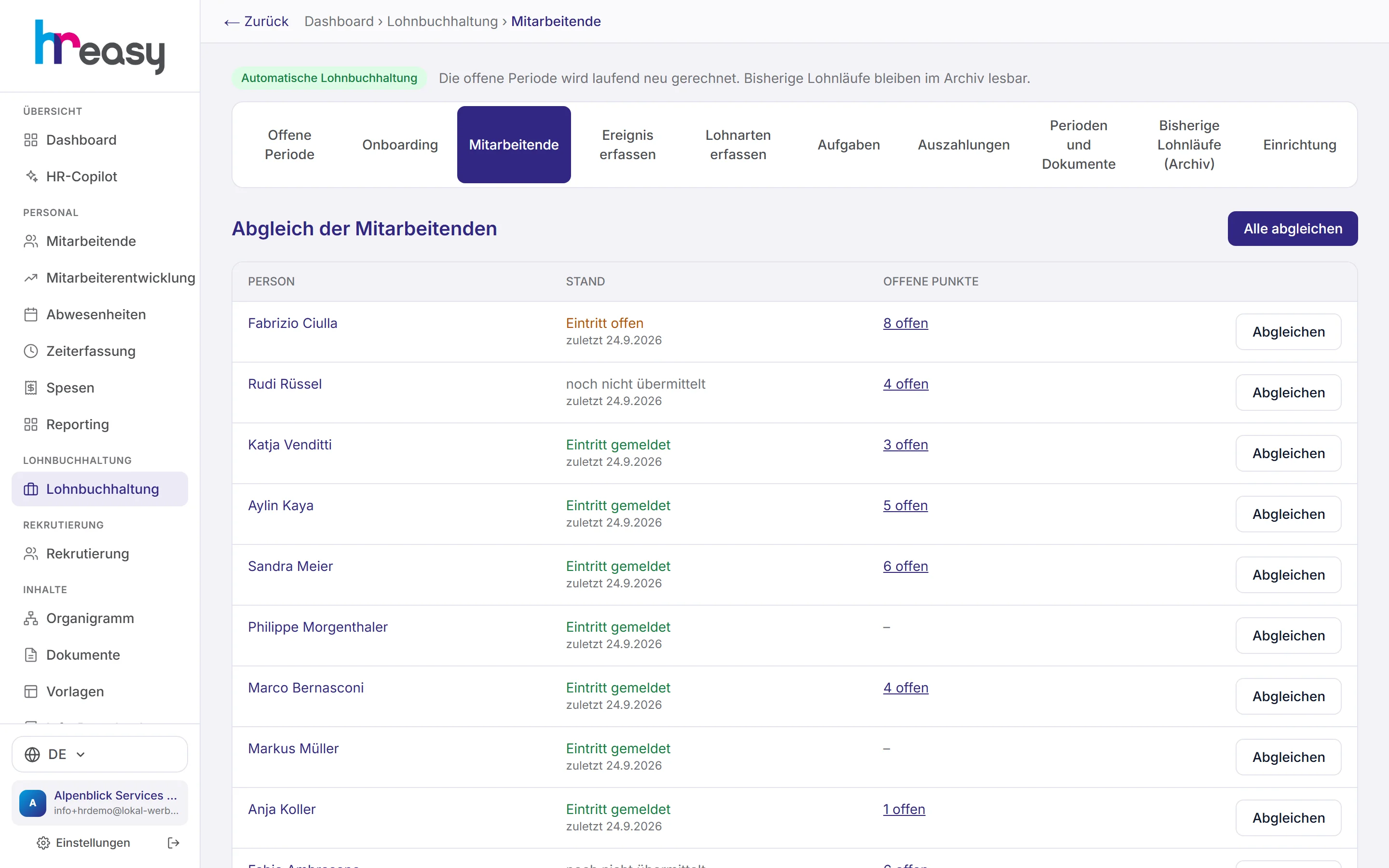
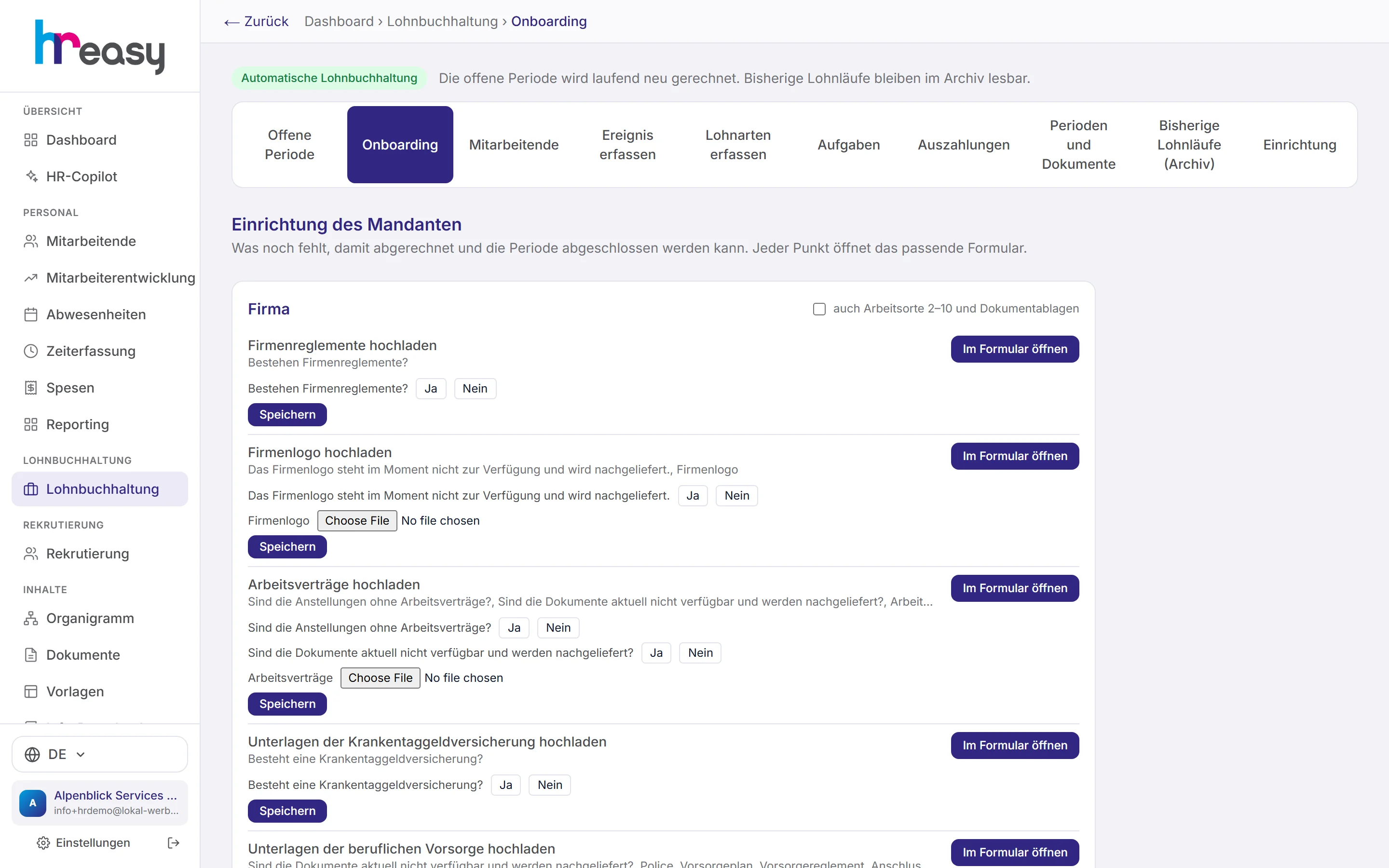
When you start, payroll shows which mandatory details are still missing, for the company and for each person. You answer yes/no questions and selection fields directly in the list and upload supporting documents as PDF or image.
Missing insurance assignments such as UVG, KTG or BVG are grouped by insurance; compulsory insurances are marked in red, and every item opens the right form directly.
- «Eintritt noch nicht gemeldet» (entry not yet reported) flag for each person
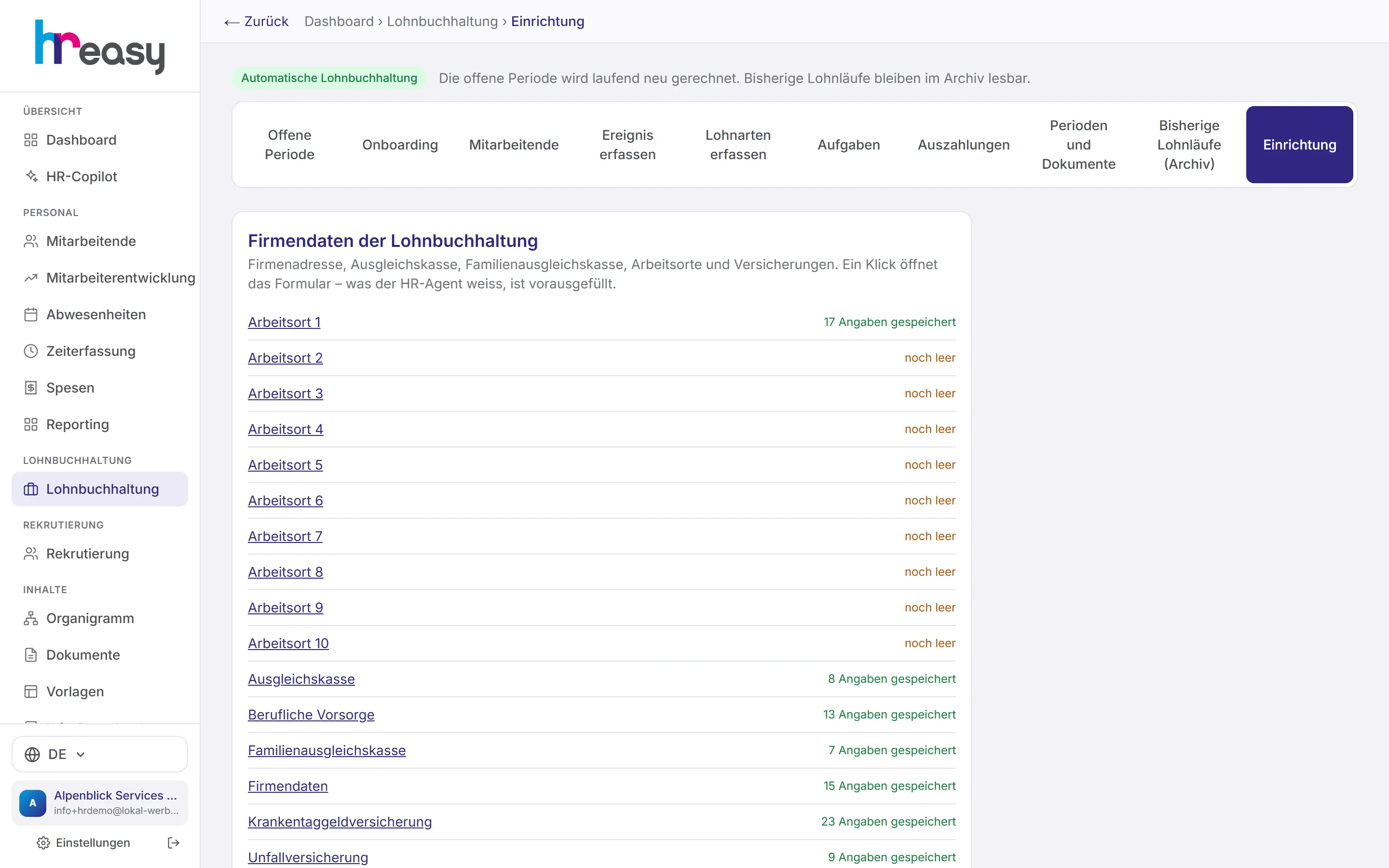
- Company data, AHV compensation fund, family allowance fund, workplaces and insurances in one place
- Go-live only after explicit confirmation
Calculate, check, approve
A payroll run calculates base salary, allowances, 13th month’s salary, child allowances and expenses for each person, deducts employee contributions and shows employer contributions. The run totals are at the top: total gross, net and employer costs.
Before approval, HREasy checks the payroll against the Code of Obligations, the Labour Act and the collective employment agreement, for example holiday entitlement, supplements on overtime or a missing BVG deduction. Definite errors stop the run; anyone who was not calculated is listed by name with the reason.
- Plausibility check against the previous month, with severity levels
- Payslips as PDF, sent by email and filed in the personnel file
- Posting journal as CSV based on the Swiss SME chart of accounts
The open period keeps recalculating itself
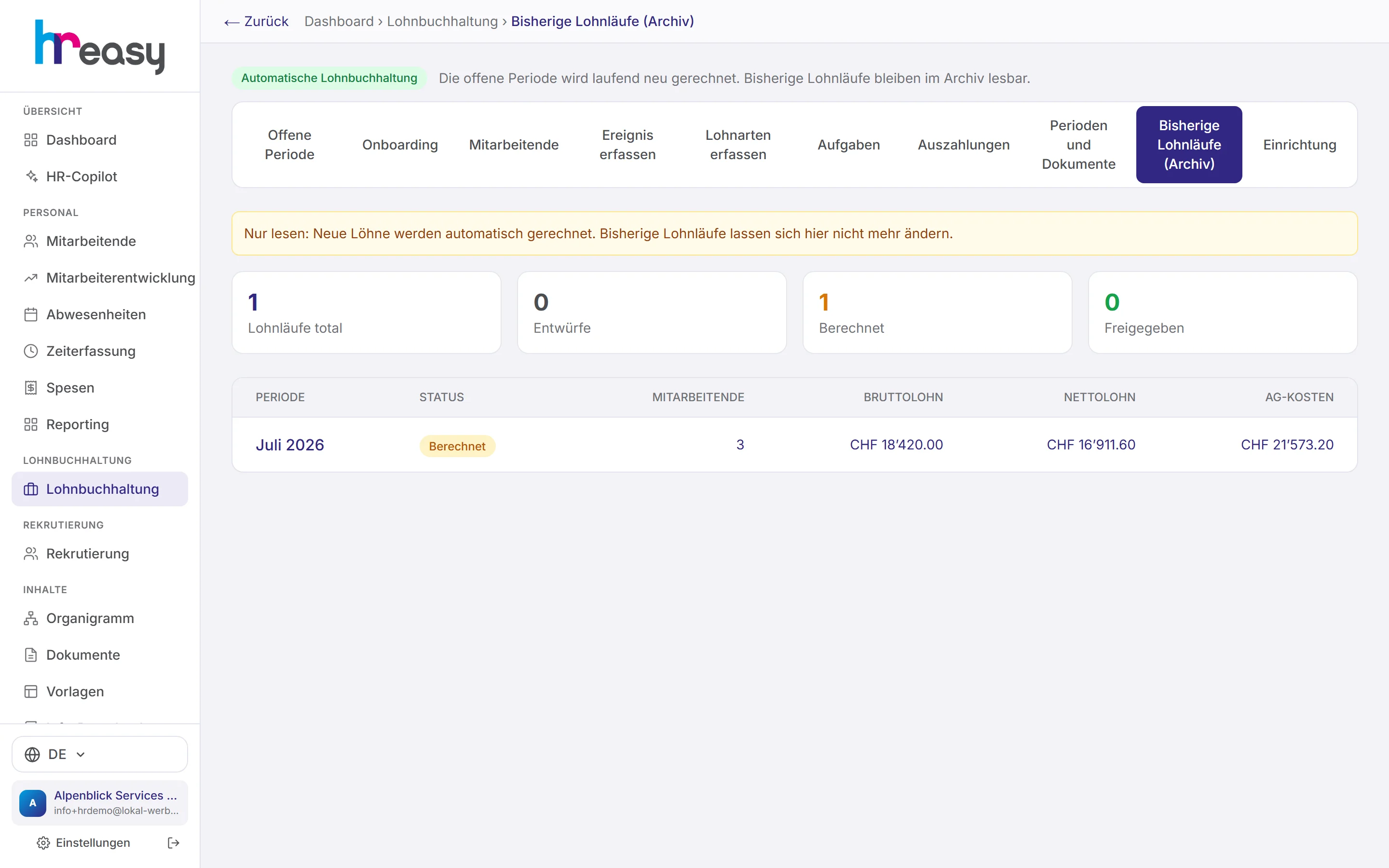
With the Ason connection, the open period is recalculated continuously. Every night HREasy automatically reports hours of hourly-paid staff, approved expenses and sick days with daily allowance and continued pay, each report exactly once.
Before closing, payroll shows what still needs to be clarified and compares with the previous month. Closing a period is final and produces payslips, journal and posting voucher; after go-live, every period close is transmitted to Swissdec.
- Payroll control: HREasy recalculates the deductions from the company rates
- Payment with value date and debit account as a pain.001 file
- For each period: salary certificate, AHV, FAK, UVG, KTG and withholding tax documents
Checks run only against documented rates
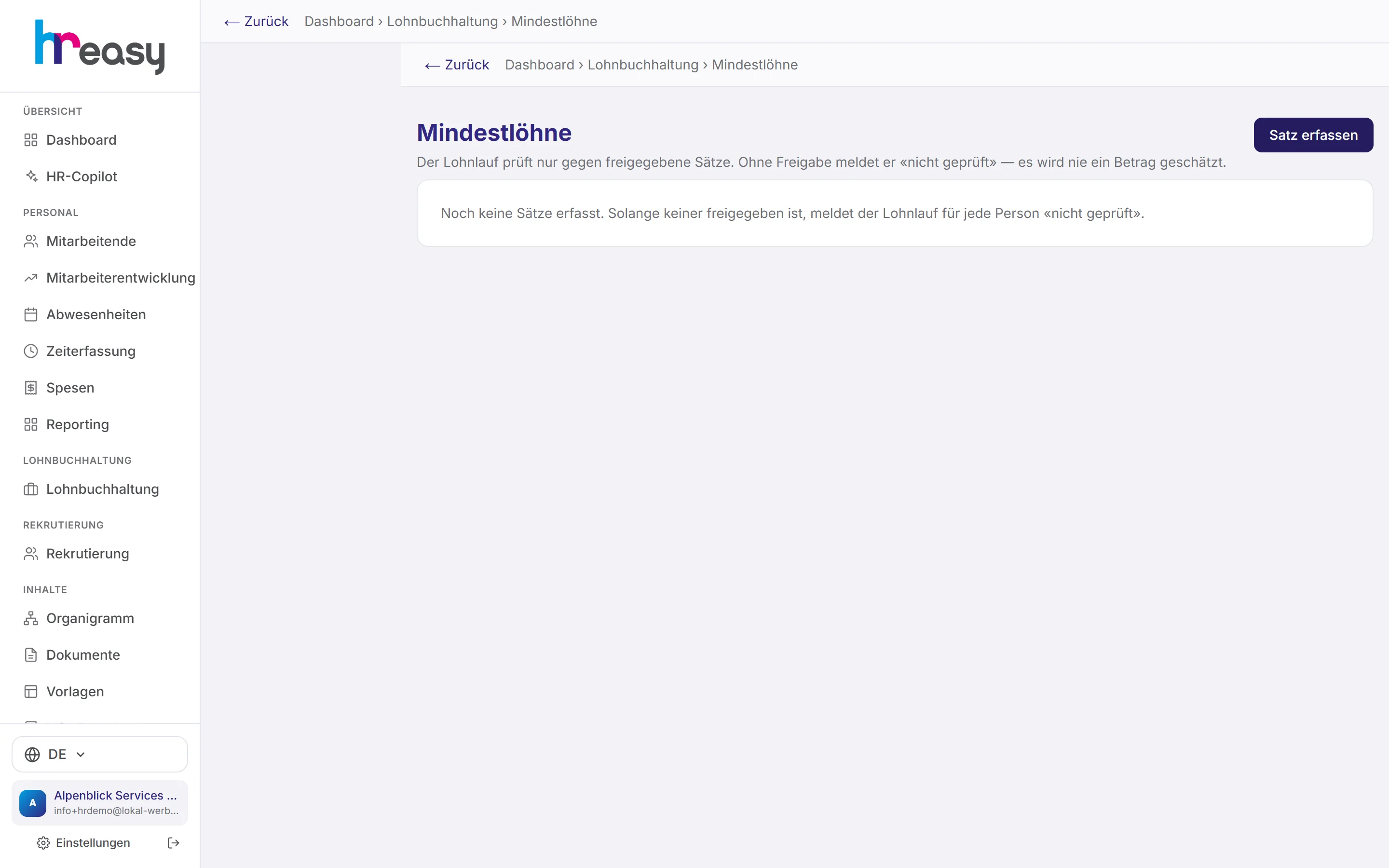
You record minimum wages from the municipality, canton or collective employment agreement with job, amount and validity, and always with a link to the source. Only after approval does the payroll run check against them.
If no approved rate exists, HREasy reports «nicht geprüft» (not checked) and never estimates. Rates older than 14 months are flagged for review.
- Amount per hour or per month, with or without 13th month’s salary
- A differing second source can be noted
From the start of the month to payment
The data for payroll is created in the other modules. Payroll collects it, checks it and turns it into payslips and payments.
Master data
Salary, workload, AHV number, IBAN, marital status and children come from the personnel file.
Monthly data
Hours, absences including sickness and approved expenses flow in from time tracking, absences and expenses.
Calculate
Social deductions, BVG by age, withholding tax, allowances and rounding to 5 centimes.
Check
Against the Code of Obligations, Labour Act, collective agreement and previous month; open points are shown before closing.
Pay out
Payslips as PDF, journal for accounting, pain.001 payment file for the bank.
Everything works together
No module stands alone. What you enter here flows automatically to wherever it is needed, without entering it twice.
What HREasy offers
All Swiss deductions
AHV/IV/EO, ALV including ALV2, NBU/BU, BVG, KTG, FAK and withholding tax; six switches control the contribution liability of each wage type.
Sickness in payroll
Waiting period at full pay, then daily sickness allowance (default 80 %), optionally topped up. Without KTG, the Bernese scale under Art. 324a CO applies.
Withholding tax assistant
Derives the tariff letter A, B, C or H from marital status, partner’s income and children. You enter the percentage yourself.
Family allowances
Cantonal rates under the Family Allowances Act; employees with children automatically receive the SVA application form by email.
Apprentice wages
Pay per apprenticeship year; the change happens automatically on the key date, with a task created the month before.
Wage types with import
Your own wage types with contribution flags; imported wage types without contribution details are only suggested and must be confirmed.
Salary certificate
As a PDF following the numbering of the official form; boxes without a data source are explicitly flagged.
Regulations analysis
The AI suggests values from an uploaded set of regulations, each with a verbatim quote. Only what you confirm is applied.
Reports
Monthly summary, individual payroll account and annual overview.
What you should know
Two routes, one data basis
Automated payroll via Ason suits you if you want payroll to be recalculated continuously according to the Swissdec rulebook. Your own payroll runs in HREasy calculate directly in the system and remain readable in the archive.
Either way, the figures come from the same sources: personnel file, time tracking, absences and expenses. Nobody transfers hours or sick days by hand.
The AI does not calculate
Deductions, withholding tax tariff, salary certificate and journal are calculated by the code according to fixed rules. The AI helps you interpret: it explains plausibility findings and suggests values from regulations, each with evidence.
Invented amounts in an AI answer are removed by a safeguard. The decision on every figure stays with you.
Frequently asked questions
Can HREasy replace my current payroll software?
HREasy calculates salaries with all Swiss social deductions, either via the Ason connection or with its own payroll runs. We clarify which route fits during set-up.
Are hours and absences taken over automatically?
Yes. Hours, sick days and approved expenses come from the relevant modules. With automated payroll they are reported every night.
What happens when someone is ill?
The degree of incapacity from the sick note goes into the payroll calculation: waiting period, daily sickness allowance or, without KTG, continued pay under the Bernese scale.
How are salaries paid?
You choose the value date and debit account; HREasy creates the pain.001 payment file for your bank.
Can employees see their payslips?
Yes, in the employee portal, as soon as the payroll run is approved or the period is closed.
Are minimum wages checked?
Yes, against the rates you have recorded with a source and approved. Without an approved rate the result is «nicht geprüft» (not checked).
More modules
Ready to automate payroll?
Set up in 5 minutes, no HR knowledge needed. The agent takes care of the rest.
Request trial access now